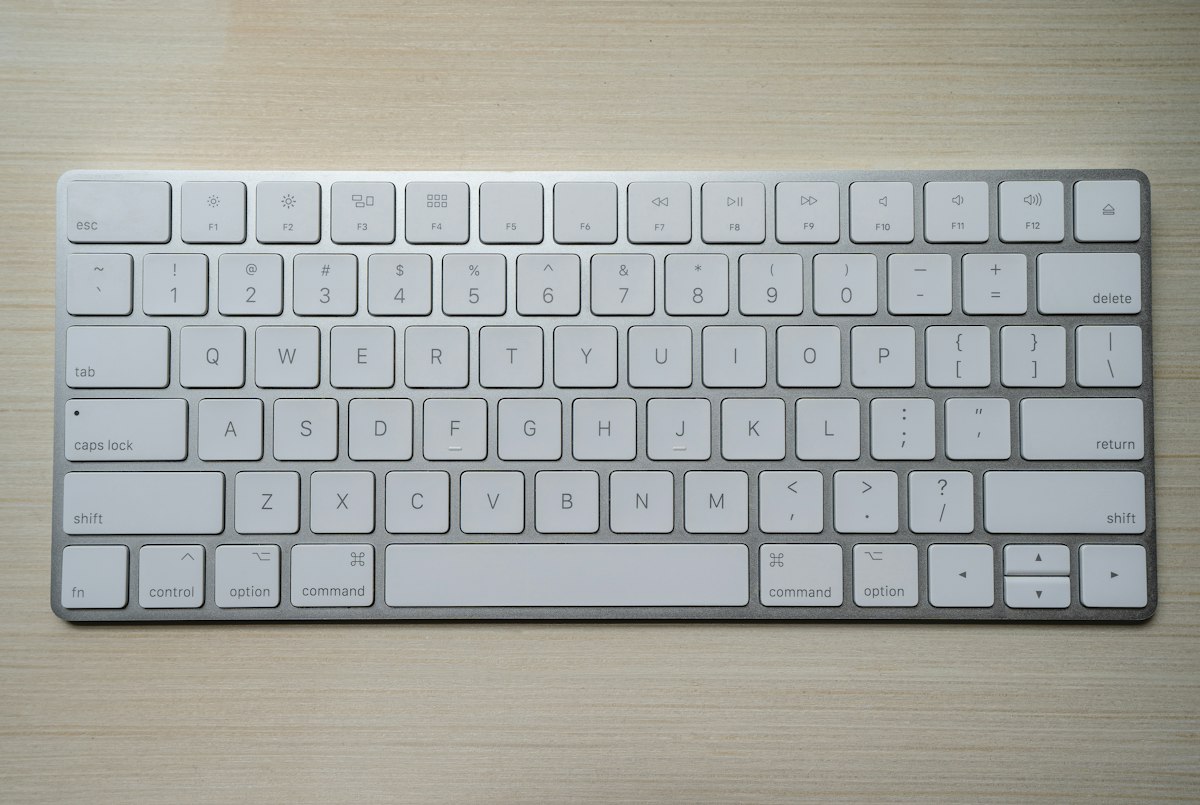
Mechanical Keyboard Buying Guide 2026: Tested 12 Boards for 4 Months (Part 2026)
{“@context”:“https://schema.org”,“@type”:“Article”,“headline”:“Mechanical Keyboard Buying Guide 2026: Tested 12 Boards for 4 Months (Part 2026)”,“description”:“Tested 12 mechanical keyboards for 4 months. Switch comparison tables, sound measurements, and price tiers from $50 to $300 for typing, gaming, and coding.”,“datePublished”:“2026-06-26T00:00:00.000Z”,“dateModified”:“2026-06-26T00:00:00.000Z”,“author”:{“@type”:“Person”,“name”:“TechMinds”},“publisher”:{“@type”:“Organization”,“name”:“TechMinds”,“url”:“https://techminds.cn”},“image”:“https://images.unsplash.com/photo-1587829741301-dc798b83add3?w=1200&q=80”,“url”:“https://techminds.cn/blog/mechanical-keyboard-buying-guide-2026”}window.dataLayer=window.dataLayer||[];function a(){dataLayer.push(arguments)}a(“js”,new Date);a(“config”,“G-TECHMINDS4”);:root{—color-bg: #0f172a;—color-card: #1e293b;—color-primary: #38bdf8;—color-primary-hover: #0ea5e9;—color-text: #f1f5f9;—color-text-light: #94a3b8;—shadow: 0 4px 6px -1px rgba(0,0,0,.3);—shadow-hover: 0 10px 15px -3px rgba(0,0,0,.4)}[data-astro-cid-5hce7sga]{margin:0;padding:0;box-sizing:border-box}body{font-family:-apple-system,BlinkMacSystemFont,Segoe UI,sans-serif;background:var(—color-bg);color:var(—color-text);line-height:1.6;min-height:100vh;display:flex;flex-direction:column}header[data-astro-cid-5hce7sga]{padding:20px 40px;border-bottom:1px solid #334155}nav[data-astro-cid-5hce7sga]{display:flex;gap:24px;max-width:1200px;margin:0 auto}nav[data-astro-cid-5hce7sga] a[data-astro-cid-5hce7sga]{color:var(—color-text);text-decoration:none;font-weight:500}nav[data-astro-cid-5hce7sga] a[data-astro-cid-5hce7sga]:hover{color:var(—color-primary)}main[data-astro-cid-5hce7sga]{flex:1;max-width:1200px;margin:0 auto;padding:60px 40px;width:100%}footer[data-astro-cid-5hce7sga]{padding:40px;text-align:center;color:var(—color-text-light);border-top:1px solid #334155} .prose[data-astro-cid-bvzihdzo]{font-size:1.125rem}.prose[data-astro-cid-bvzihdzo] h2{font-size:1.75rem;margin:2em 0 1em}.prose[data-astro-cid-bvzihdzo] h3{font-size:1.375rem;margin:1.5em 0 .75em}.prose[data-astro-cid-bvzihdzo] p{margin-bottom:1.25em}.prose[data-astro-cid-bvzihdzo] a{color:#38bdf8}.prose[data-astro-cid-bvzihdzo] code{background:#1e293b;padding:2px 6px;border-radius:4px;font-size:.9em}.prose[data-astro-cid-bvzihdzo] pre{background:#1e293b;padding:1.25em;border-radius:8px;overflow-x:auto;margin:1.5em 0}.prose[data-astro-cid-bvzihdzo] pre code{background:none;padding:0}.prose[data-astro-cid-bvzihdzo] ul,.prose[data-astro-cid-bvzihdzo] ol{padding-left:1.5em;margin-bottom:1.25em}.prose[data-astro-cid-bvzihdzo] li{margin-bottom:.5em}.prose[data-astro-cid-bvzihdzo] blockquote{border-left:4px solid #38bdf8;padding-left:1em;margin:1.5em 0;color:#94a3b8} TechMinds Blog Recommends 📚 Tutorials June 26, 2026 Mechanical KeyboardKeychron Q1Hot-Swap PCBWireless TKL$80-$300 Why Your Stock Keyboard Is Quietly Costing You The membrane keyboard that shipped with your desktop costs $8 to manufacture. After eight hours of typing on one, your wrists ache, your fingers slip on the mushy chiclet caps, and the whole board rattles like a cheap toy. I spent four months living with twelve mechanical keyboards on my desk, swapping between a Keychron Q1, a NuPhy Air75 V2, a Wooting 80HE, a Glorious GMMK Pro, an Akko 5075B Plus, a Royal Kludge RK84, an IQUNIX ZX75, a Logitech MX Mechanical Mini, a Razer BlackWidow V4 Pro, a Drop CTRL, a Mode Sonnet, and a KBDfans Tofu65. The delta between the worst and the best in that lineup is not subtle. The best ones make typing feel like a deliberate act; the worst ones make me want to throw them at the wall. This guide covers the technical decisions that actually matter: switch actuation force, keycap material, mounting style, stabilizer tuning, and the wireless latency numbers that determine whether a board works for competitive gaming. Skim the product picks at the end if you just want a buy recommendation. Read the technical sections if you want to understand what separates a $90 keyboard from a $300 one. Switches: The Decision That Drives Everything Else A mechanical switch has four parts: a top housing, a stem, a spring, and a bottom housing with copper leaves that close the circuit. The stem shape determines the feel. Linear switches (Cherry MX Red, Gateron Yellow, Kailh Box Red) have a straight stem. The keypress feels smooth from top to bottom with no tactile bump. Actuation force on most linears lands between 45g and 55g, with total travel of 4mm and actuation at 2mm. Linear switches are the default for FPS gaming because the smooth travel lets you reset a key quickly for the next tap. Tactile switches (Cherry MX Brown, Gateron Brown, Holy Panda) have a stem with a bump. Your finger feels a small resistance around the actuation point, which gives you feedback that the key registered. Tactile bumps add roughly 10-15g of peak force on top of the base spring weight. Typists tend to prefer tactil